01
Dispatch plans
Plan trips and assign drivers and vehicles in one place.

Explore each module, check availability and see how it fits your business.
See all integrations →Organise loads, drivers, vehicles and documents. Follow dispatch work and link costs and invoicing to each operation.

One operation, from the dispatch office to documents and financial review.
Plan trips and assign drivers and vehicles in one place.
Check the route, schedule and trip documents on mobile.
Keep trips, documents and invoicing connected to review operations.
Two screens captured during real interface testing of trip creation.
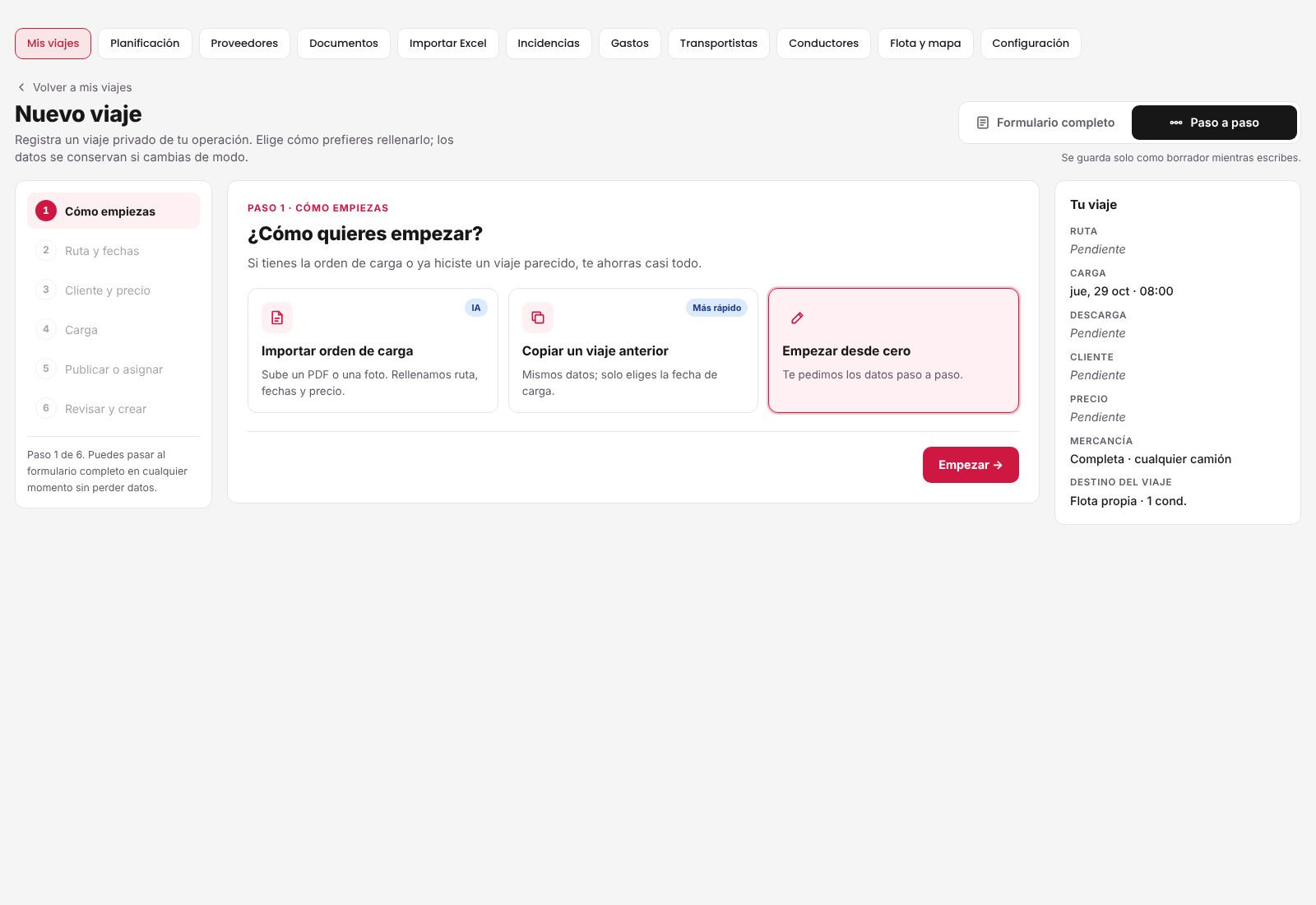
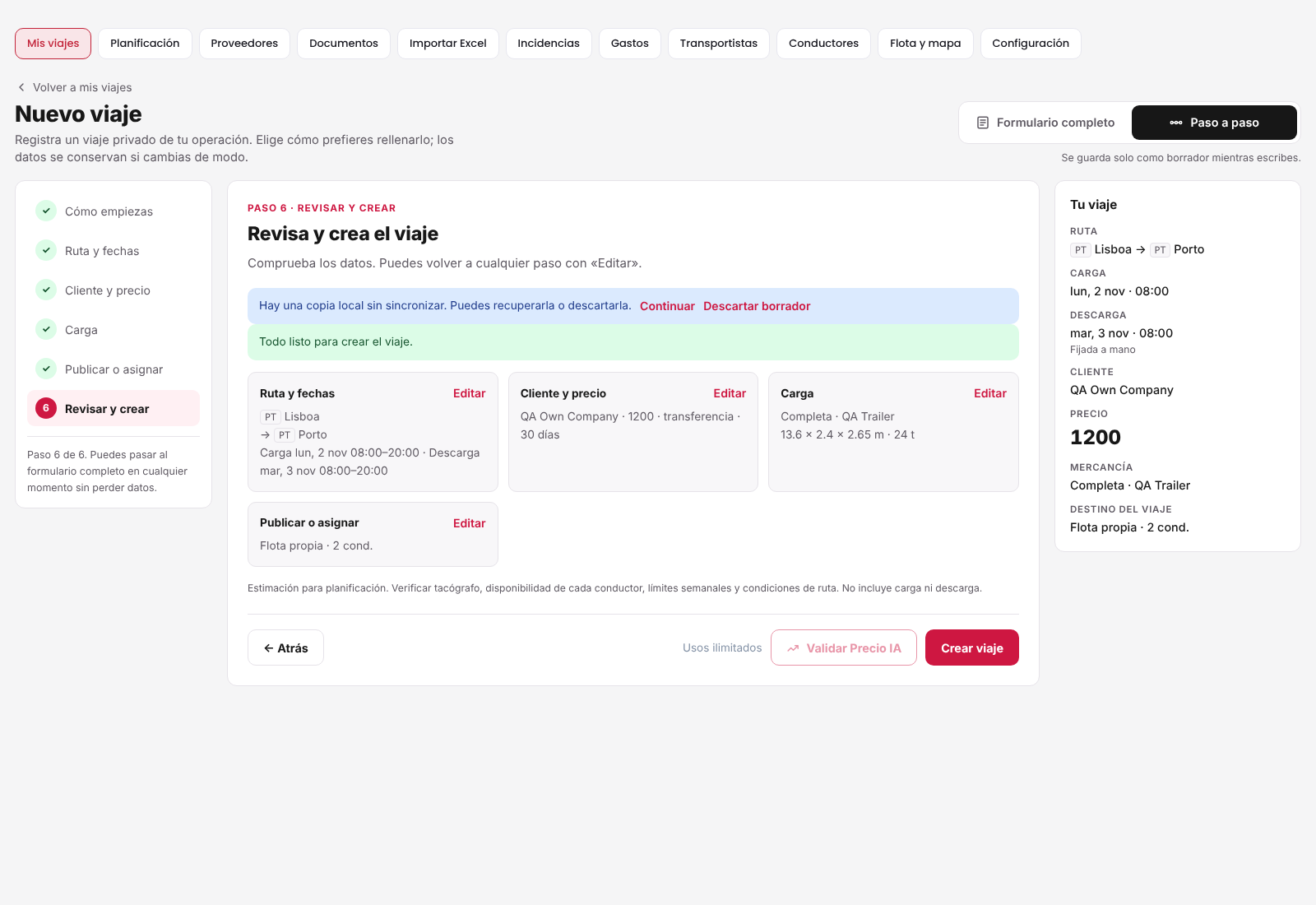
Actual interface captures in a test environment. All displayed data is QA sample data, not customer records or commercial results.
Ask about trips, incidents and operational data you are allowed to access. Answers and suggestions depend on enabled modules and available information.
The current assistant provides guidance and read-only answers: it does not cancel trips, change prices or send messages from a chat request.
We can assess company-specific imports and automation. External connections require compatibility, setup, permissions and testing; they are not automatically included in every plan.
Explore connections →Your company gets 10 initial free trips, once only. Then choose the capacity and modules that fit your operation.


